

Quick answer
To make a “will you be my Valentine” page, type their name, add your name and a short message if you like, pick a colour and choose what the No button does: run away, shrink, or plead with “Are you sure?”. Press “Create my Valentine link” and send it. They see your question with a big Yes button and a No button that is very hard to press, and a shower of hearts when they say yes. It is free, needs no sign-up and works on any phone.

How to make your Valentine page
Everything you write is stored inside the link itself, not on a server, so the page works for as long as you keep the link. Nobody else can find it unless you share it.
- Type the name of the person you are asking. It appears in the question: “Maya, will you be my Valentine?”
- Add your name so they know who it is from, and an optional message of up to 200 characters.
- Pick a colour: classic red, soft pink or lavender.
- Choose the No button's behaviour: it runs away, it shrinks while Yes grows, or it pleads with a new label every time.
- Press Preview to try it yourself, then “Create my Valentine link”.
- Send the link by text, WhatsApp, email or a QR code on a card. When they tap Yes, they get a burst of hearts and a reply to copy back to you.
A joke page, and a real answer
A runaway No button is funny when the answer is already a happy yes. It is a way to ask someone who is already your partner, or someone you are confident feels the same. It is not a way to pressure anyone.
If you are asking someone new, or you are not sure how they feel, ask in person or in a normal message instead, and make it easy for them to say no. If they say no, or do not reply, take that as the answer and be kind about it.
How to ask someone to be your Valentine
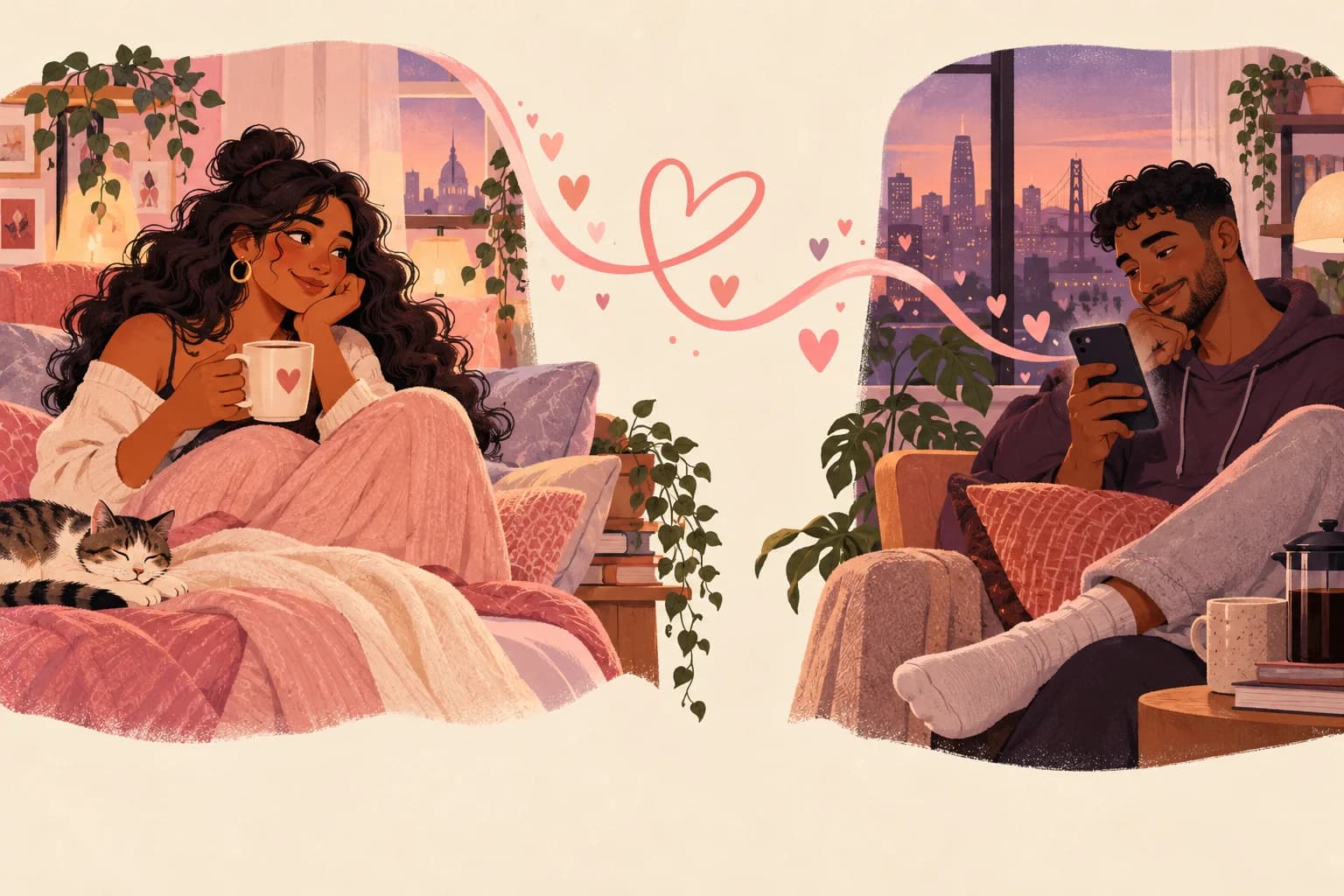
The page is one way to ask. Here are a few ideas to make the moment feel bigger, whether you are together or apart.

QR code on a card
Turn your link into a QR code and draw it inside a handmade card. They scan it to find the question.
Hidden in a playlist
Make a playlist where the last song title says it all, then send the link after the final track.
At the end of a call
Send the link while you are on the phone and listen to them try to press No.
With a letter
Write a short note with the love letter generator and send the Valentine page as the last line.
Flowers plus a link
Order flowers to their door with a note that just says: “Check your messages.”
First thing in the morning
Send it the moment they wake up on 14 February, so it is the first thing they see that day.
Long-distance Valentine's Day ideas
When you cannot be together on 14 February, a page like this gives the day a moment of surprise. Send it a week or two before, so you have time to plan your date once they say yes.
Then make the day itself feel shared: cook the same dinner on a call, watch a film in sync, or swap handwritten letters. The date idea generator has long-distance ideas with steps, and our long-distance relationship activities and long-distance anniversary ideas work just as well for Valentine's Day.
- Count the sleeps until you see each other with countdown until we meet.
- Different time zones? Send the link so it arrives in their morning, not yours.
- Plan one small thing for each of you to open on the day, like a card or a treat.
When to send your Valentine page
Most people send their page in the first two weeks of February, but there is no wrong time. The maker shows how many days are left until Valentine's Day, so you can plan around it.
Sending it early gives you both time to plan a date. Sending it on the morning of the 14th makes it a sweet surprise. Either way, have a plan ready for after they say yes: they will ask what you are doing.
Q & A
Frequently asked questions
What is a “will you be my Valentine” website?
It is a small web page that asks someone to be your Valentine, with a Yes button and a No button that is hard to press. You make it here and send them the link.
Is the Valentine page maker free?
Yes. It is completely free, with no sign-up and no app to install.
How long does the link last?
As long as you keep it. Your page is stored inside the link itself, not on our servers, so it will not expire.
Can they actually click No?
On the runaway style, No jumps away; on the shrink style it gets tiny; on the plead style it keeps asking “Are you sure?”. It is a joke for someone you know will say yes. If they really mean no, respect it.
Can I preview the page before sending it?
Yes. Press Preview to see exactly what they will see and try the No button yourself.
Does it work on phones?
Yes. The page works on any phone, tablet or computer. The runaway style is extra fun on a computer, where No dodges the mouse.
Can I use it for a long-distance relationship?
Yes. Send the link wherever they are. It is a lovely way to ask before a long-distance Valentine's date.
Does Lovelle save what I type?
No. The tool runs in your browser and nothing you type is sent to or stored on Lovelle's servers. When you share, your choices travel inside the link after the # sign, which browsers do not send to websites. That part is not encrypted, so anyone with the link can read it. Share it only with the person it is meant for.
Keep reading


Your page lives inside the link, not on our servers. It is a joke for someone you know will say yes; a real no is always the answer. Last updated 24 October 2026.