

Quick answer
To make a couple photo collage, choose a layout (side by side, top and bottom, three photos, a four-photo grid, instant photos or a split heart), add your photos, drag each one into place and add labels or a caption if you like. Pick square, post (4:5) or story (9:16) size and press “Save collage” to get a PNG. Your photos open on your own device and are never uploaded, so it is free, private and needs no sign-up.

How to make a couple photo collage
Nothing is saved until you press the button, so try a few layouts with the same photos. Your photos stay where they are when you switch.
- Pick a layout. Side by side is the classic for two photos; the four-photo grid suits a trip or a year together.
- Press “Choose photo” for each frame. On the first frame you can select several photos at once and they fill the frames in order.
- Drag a photo inside its frame to move it, or use the zoom and position sliders to frame faces just right.
- Add a label to each photo if you like, such as a city or a date, and a caption under the collage.
- Choose the size, the space between photos, the background colour and rounded or square corners.
- Press “Save collage (PNG)”. On a phone you can share it straight to your messages or photos.
Which collage layout should you use?
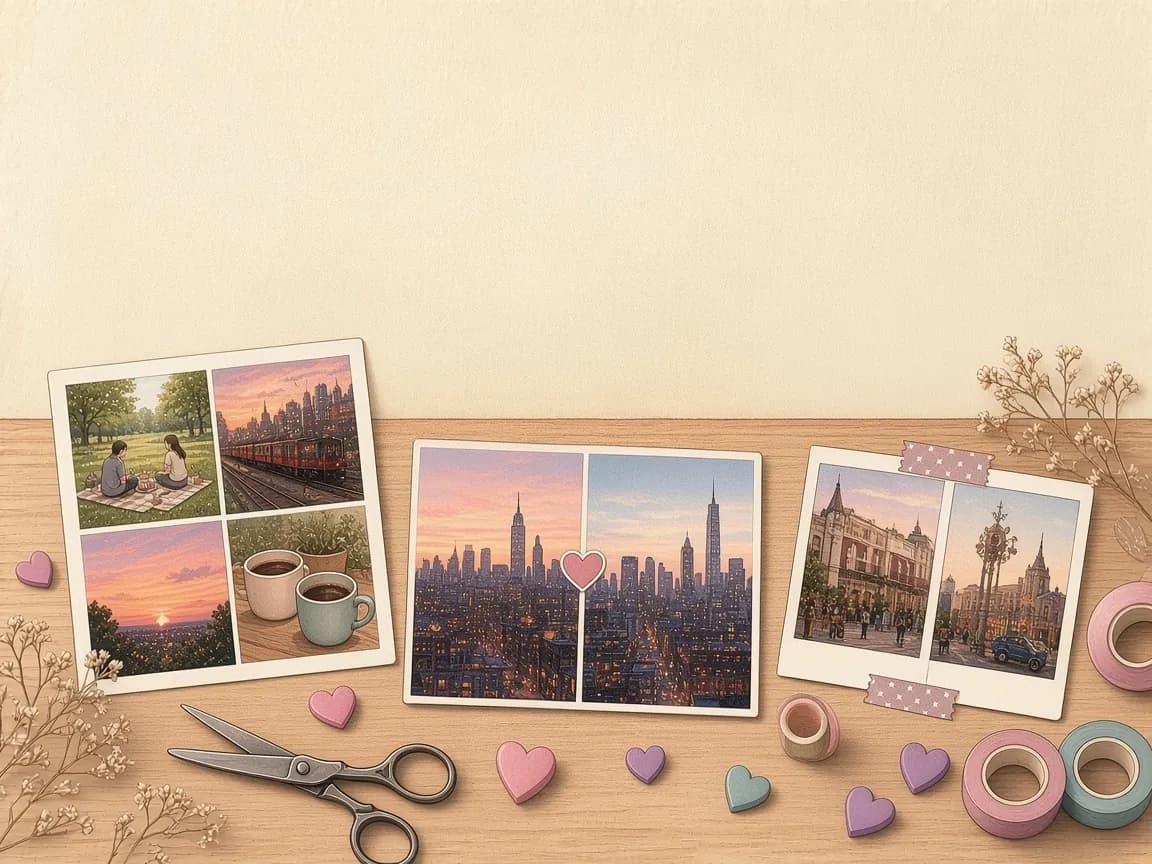
| Layout | Photos | Works well for |
|---|---|---|
| Side by side | 2 | Two cities, then and now, or two selfies taken apart |
| Top and bottom | 2 | Stories, and wide photos such as landscapes |
| Three photos | 3 | One favourite with two supporting moments |
| Four-photo grid | 4 | A trip, a year together, or the four seasons |
| Instant photos | 2 | A scrapbook look with handwritten-style captions |
| Split heart | 2 | One heart made from two photos, one on each side |
Search suggestions show people looking for side-by-side photo makers and split photo makers as well as couple collages, and the first two layouts cover exactly that: two photos joined with a clean line between them.
Long-distance photo collage ideas
A side-by-side collage is made for couples who live apart. Two photos taken at the same moment in two places say “we were together today” better than any single picture. Label each photo with your city and add a caption such as “Miles apart, never far”.
Same time, two places
Agree a time, both take a photo of what is in front of you, and put them side by side.
Two skies
Photograph the sky from your window at the same moment, even if one is sunrise and the other is sunset.
Matching mugs
Hold up your morning coffee and evening tea in the same pose.
Then and now
Your first photo together next to your latest one, with both dates as labels.
The countdown
Your last goodbye at the airport next to the date of your next visit. The countdown until we meet tells you how many sleeps are left.
Our year in four
One photo from each season you have shared, in the four-photo grid.
Looking for more things to do together from afar? Our list of long-distance relationship activities has plenty, and many of them make great photos.
Tips for a collage that looks good
- Use photos with similar light. Two bright daytime photos look better together than one bright and one dim.
- Frame faces at the same height. Drag each photo so your eyes line up across the two frames.
- Zoom gently. Phone photos have plenty of detail, but zooming in more than about twice can look soft.
- Leave a thin gap. A thin white or blush line between photos looks tidier than no gap at all.
- Choose the size for where it is going: square for chats, 4:5 for feed posts and 9:16 for stories and phone wallpapers.
- Keep captions short. Three to six words read best at small sizes.
Your photos never leave your device
When you choose a photo, your browser opens it from your phone or computer and draws it on a canvas on this page. The photo is not uploaded to Lovelle or anyone else, and nothing is stored after you close the page. The PNG you save is created on your device too.
This also means there is no share link for a collage: the photos would have to be uploaded for a link to work. Save the image and send it however you like. Some browsers cannot open HEIC photos; if a photo will not load, save it as a JPG first or use a photo from your camera roll's “most compatible” setting.
More ways to use your favourite photos
Put a collage on the front of an anniversary card with the photo design, or turn your photos into a story with dates and notes using the relationship timeline maker. For your lock screens, the matching couple wallpapers give you one picture split across both phones.
Q & A
Frequently asked questions
How do I make a couple photo collage for free?
Choose a layout, add your photos, drag them into place, add labels or a caption and press “Save collage (PNG)”. It is free, with no sign-up and no watermark.
How do I put two photos side by side?
Choose the Side by side layout, add one photo to each frame and save. Use Top and bottom if you want one photo above the other.
Are my photos uploaded?
No. Your photos open in your browser and the collage is drawn on your device. Nothing is uploaded or stored by Lovelle.
What size is the collage?
Square is 1080 × 1080 pixels, post is 1080 × 1350 (4:5) and story is 1080 × 1920 (9:16). The collage is saved as a PNG.
Can I move or zoom a photo inside its frame?
Yes. Drag the photo on the preview to move it, or use the zoom and position sliders under each photo.
Why won't my photo open?
Some browsers cannot read HEIC photos from iPhones. Try a JPG or PNG version of the photo, or open the tool in Safari on your iPhone.
Keep reading



Your photos are opened and drawn in your browser. Nothing is uploaded, stored or seen by Lovelle. Last updated 25 October 2026.